
Coming Soon! Turn your message into a music video
Coming Soon! Turn your message into a music video
Hey Aio Resources
Hey Aio Resources
Hey Aio Resources
Tips, Tutorials, and Inspirations to Power Your Video Story
Tips, Tutorials, and Inspirations to Power Your Video Story
Tips, Tutorials, and Inspirations to Power Your Video Story
Quickstart Guides
Frequently Asked Questions (FAQs)
What types of video can I make with Hey Aio?

Hey Aio is a personal video editor you talk to, helping turn your ideas into impactful stories. With Hey Aio, you can create: Vertical short-form videos — perfect for direct sharing and social media Voiceover videos — narrative storytelling with your own voice or use an AI voice Music videos — turn your ideas into a song and a music video
What kind of footage should I use?

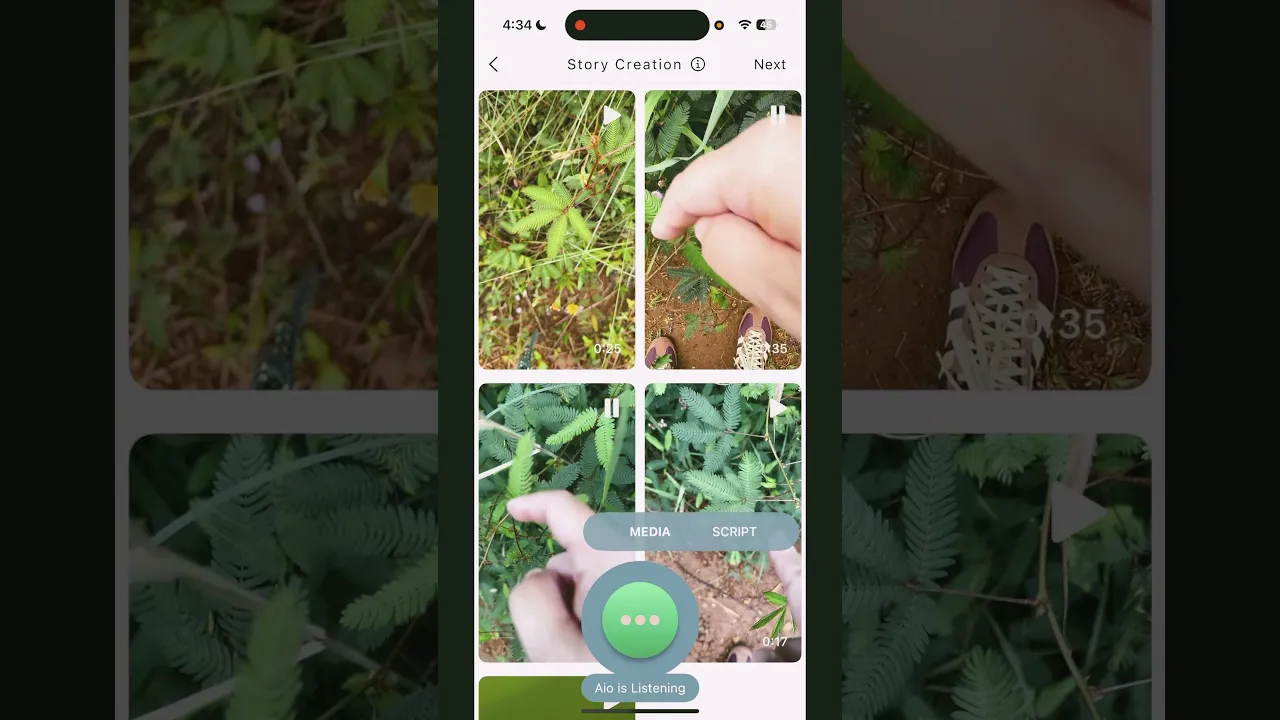
Aio creates voice-over videos, so it mutes any existing audio in your clips. You can use both images and videos directly from your phone, but videos usually produce more dynamic results.
How do I make a video with Aio?
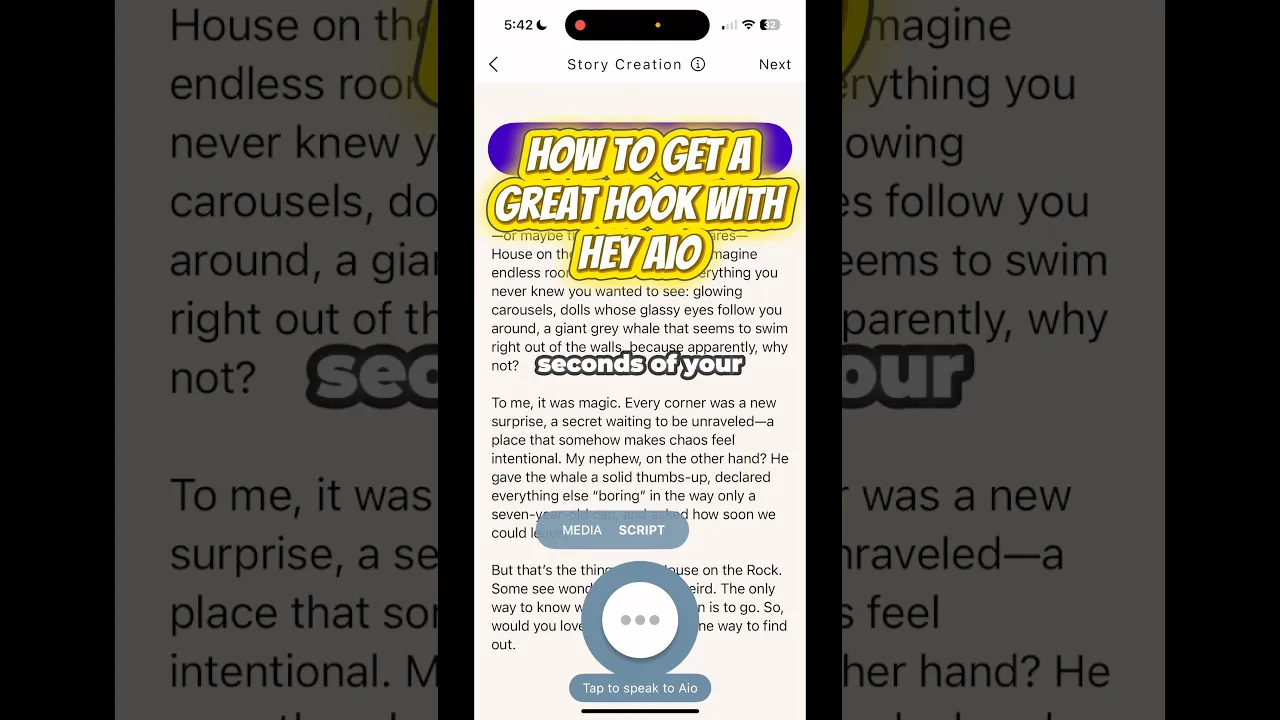
Press the circular Aio button and describe the kind of video you want to make. You don't need to tell Aio everything at once— just a few starting details. It will guide you the rest of the way. For example:
What can I say to Aio?
You can ask Aio to change tone, style, or structure. Try:
Turning your ideas into stories.
Turning your ideas into stories.
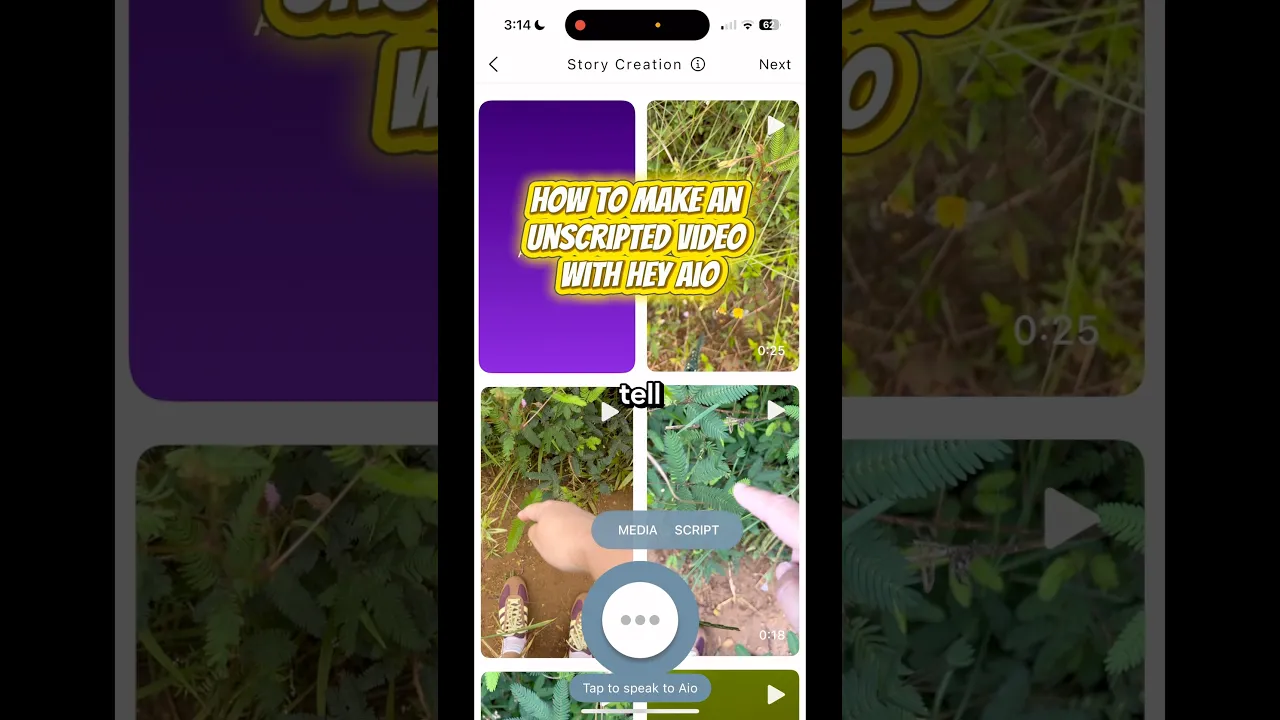
#MadeWithAio Video Inspirations
#MadeWithAio Video Inspirations
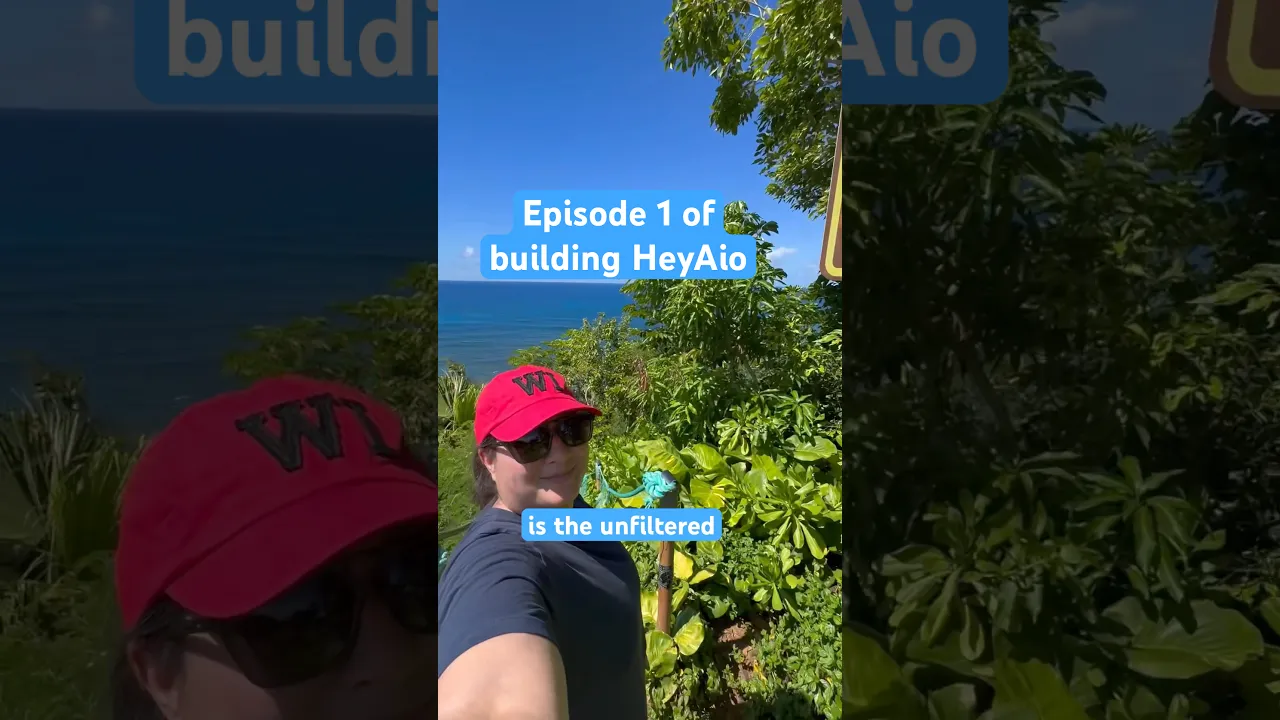
Business Story
Tell the World What You Do
Share your founder story and team energy in a voiceover video that builds trust and connection with your audience.
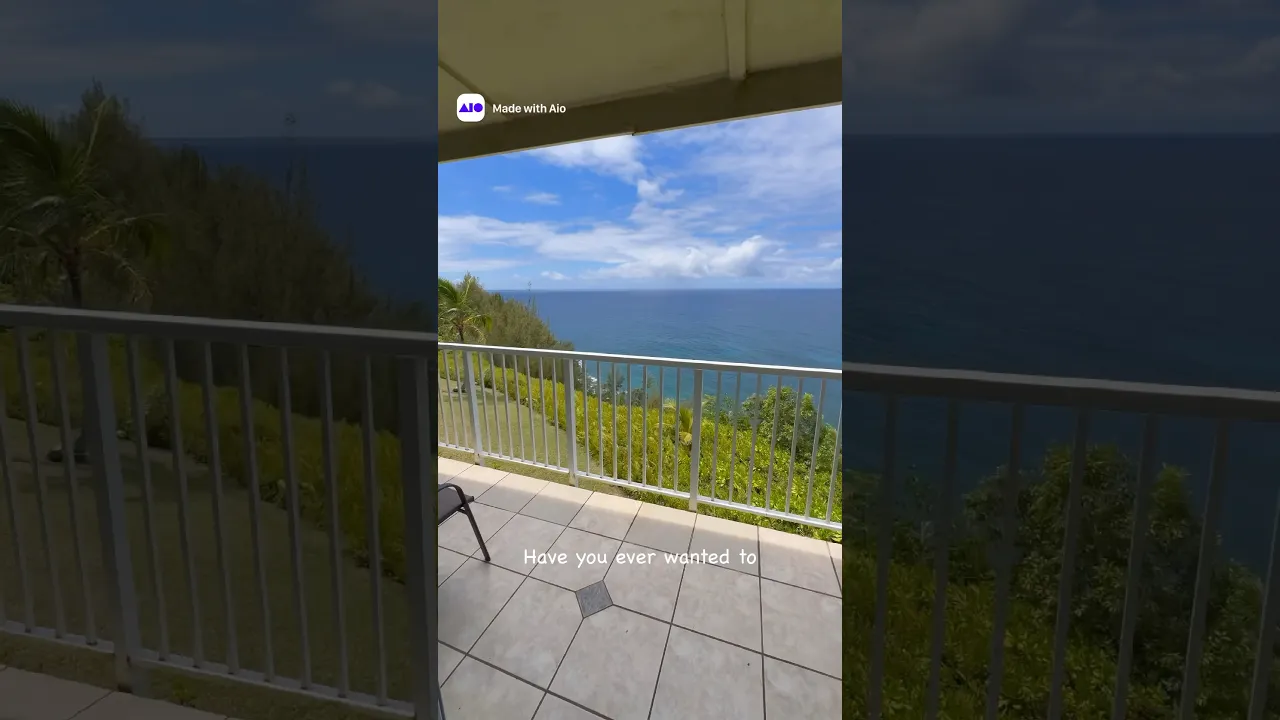
Real Estate Videos
Turn Listings Into Stories
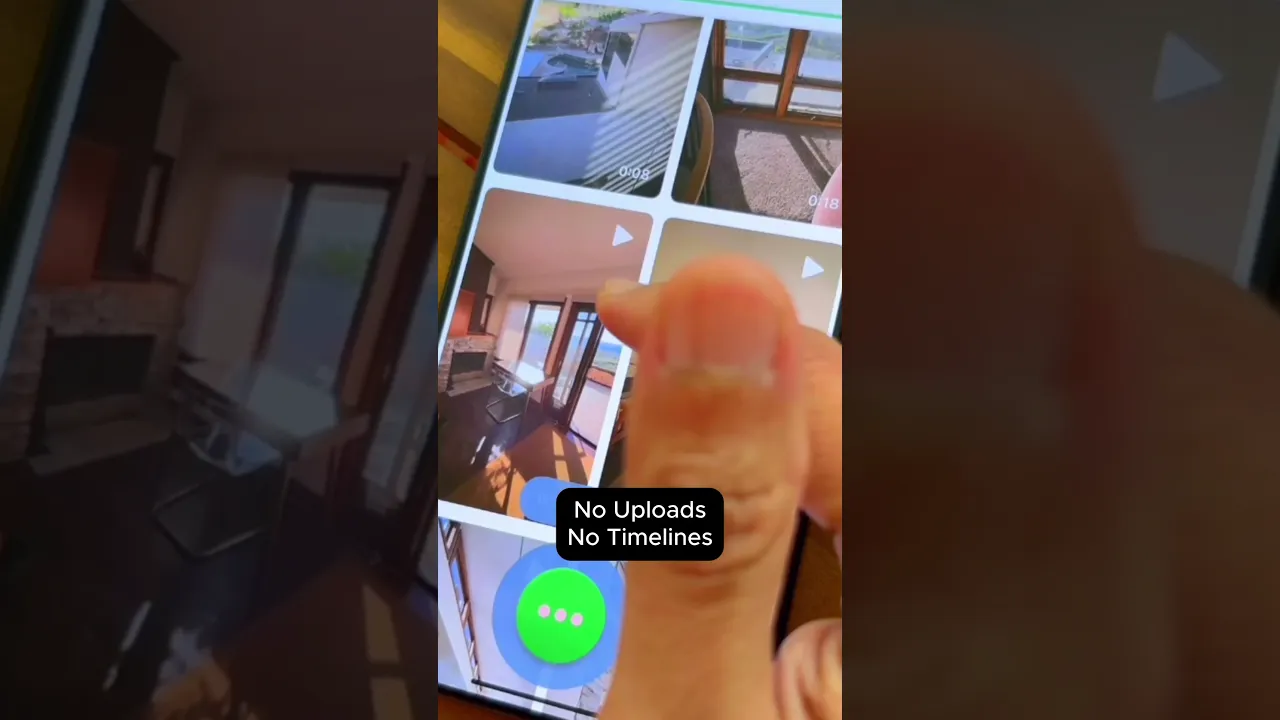
Film a walk-through on your phone—HeyAio takes care of the editing, so every property shines. From cozy corners to big reveals, your video helps people picture themselves right at home.
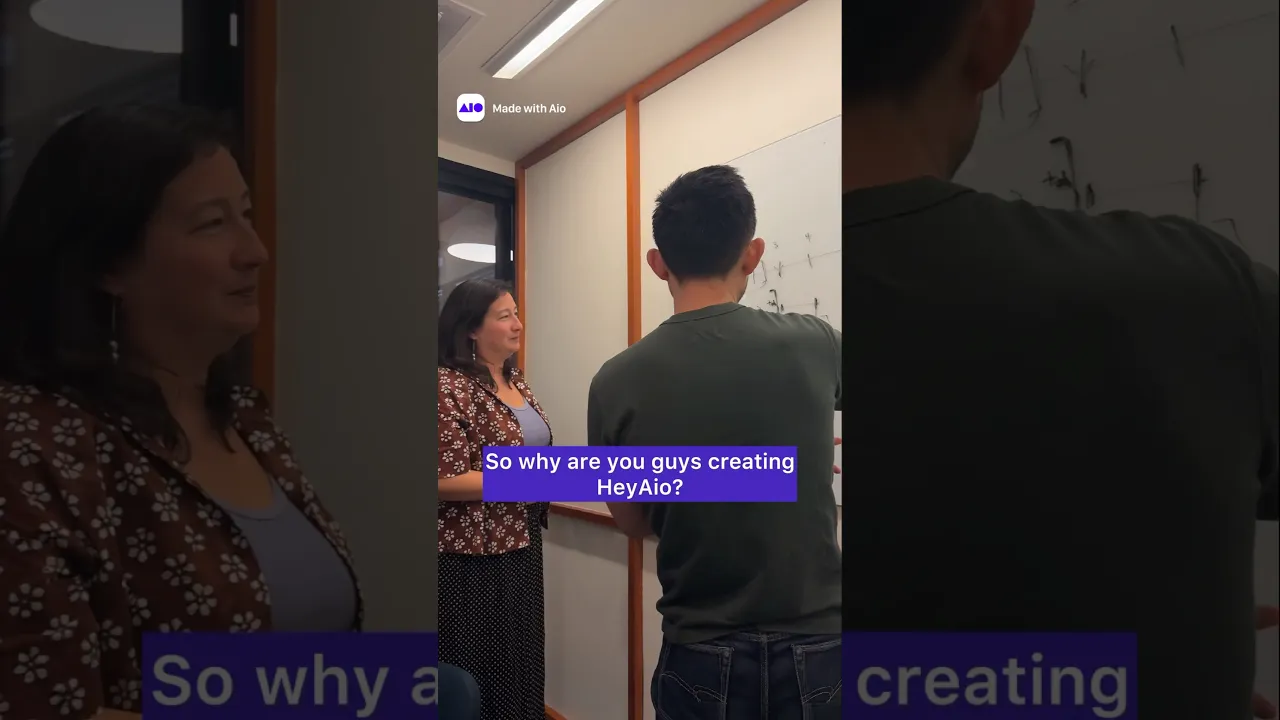
Behind the Scenes
Take People Behind the Curtain
Behind-the-scenes voiceover videos invite your audience into the heartbeat of your work. Show how you do what you do, and let people feel part of the journey—not just the outcome.
Share the Moment
Turn Trips into Stories Worth Sharing
Whether it’s your favorite café, a new office space, or a hidden local gem, Hey Aio makes it easy to share the vibe, the details, the feeling of being there.
Updates
Insights your audience actually watch.
A quick market update is a chance to show you know the neighborhood, the trends, and—most importantly—what they mean from your unique perspective.
See how people use Hey Aio
#MadeWithAio
Video Inspirations
#MadeWithAio
Video Inspirations
Business Story
Tell the World What You Do
Share your founder story and team energy in a voiceover video that builds trust and connection with your audience.
Business Story
Tell the World What You Do
Share your founder story and team energy in a voiceover video that builds trust and connection with your audience.
Share the Moment
Turn Trips into Stories Worth Sharing
Whether it’s your favorite café, a new office space, or a hidden local gem, HeyAio makes it easy to share the vibe, the details, the feeling of being there.
Quickstart Guides
Frequently
Asked Questions
What types of video can I make with Hey Aio?
Hey Aio is a personal video editor you talk to, helping turn your ideas into impactful stories. With Hey Aio, you can create: Vertical short-form videos — perfect for direct sharing and social media Voiceover videos — narrative storytelling with your own voice or use an AI voice Music videos — turn your ideas into a song and a music video
What kind of footage should I use?
Aio creates voice-over videos, so it mutes any existing audio in your clips. You can use both images and videos directly from your phone, but videos usually produce more dynamic results.
How do I make a video with Aio?
Press the circular Aio button and describe the kind of video you want to make. You don't need to tell Aio everything at once— just a few starting details. It will guide you the rest of the way. For example:
What can I say to Aio?
You can ask Aio to change tone, style, or structure. Try:
What types of video can I make with Hey Aio?
Hey Aio is a personal video editor you talk to, helping turn your ideas into impactful stories. With Hey Aio, you can create: Vertical short-form videos — perfect for direct sharing and social media Voiceover videos — narrative storytelling with your own voice or use an AI voice Music videos — turn your ideas into a song and a music video
What kind of footage should I use?
Aio creates voice-over videos, so it mutes any existing audio in your clips. You can use both images and videos directly from your phone, but videos usually produce more dynamic results.
How do I make a video with Aio?
Press the circular Aio button and describe the kind of video you want to make. You don't need to tell Aio everything at once— just a few starting details. It will guide you the rest of the way. For example:
What can I say to Aio?
You can ask Aio to change tone, style, or structure. Try:
How-to HeyAio
in 2 mins
How-to HeyAio
in 2 mins
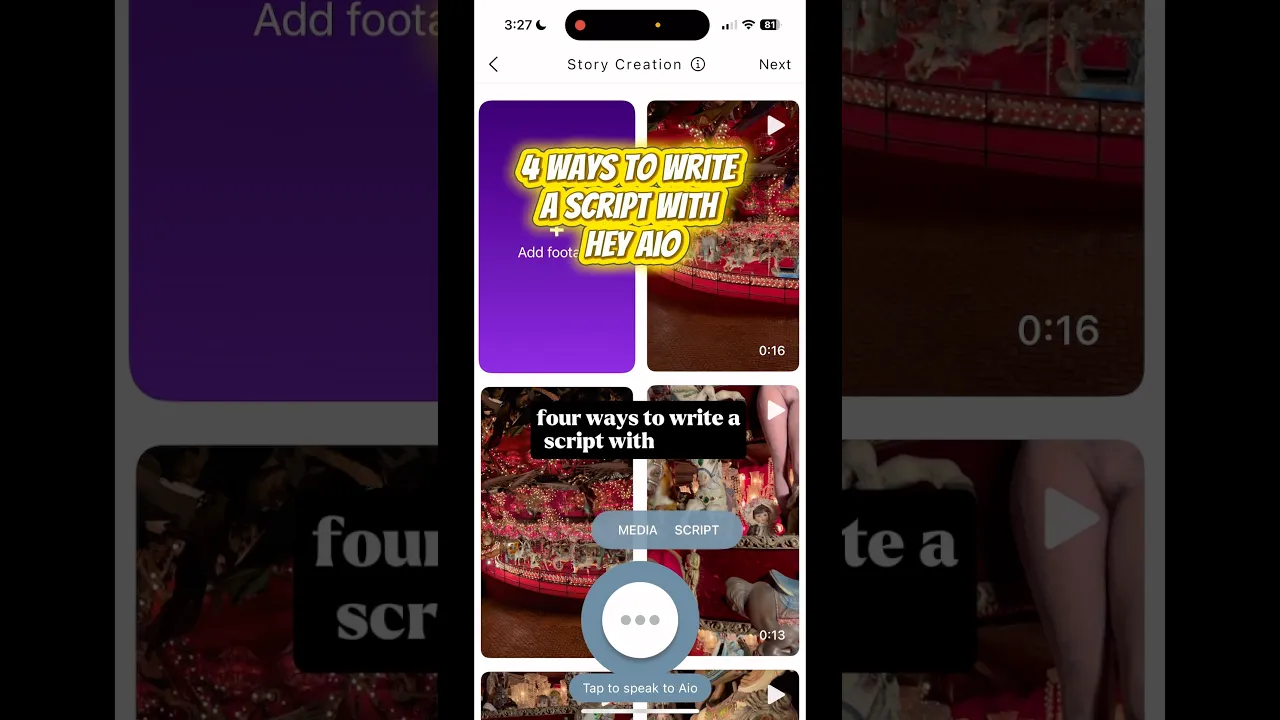
3 Tips on Drafting
Voiceover Script
Turning your ideas into stories.
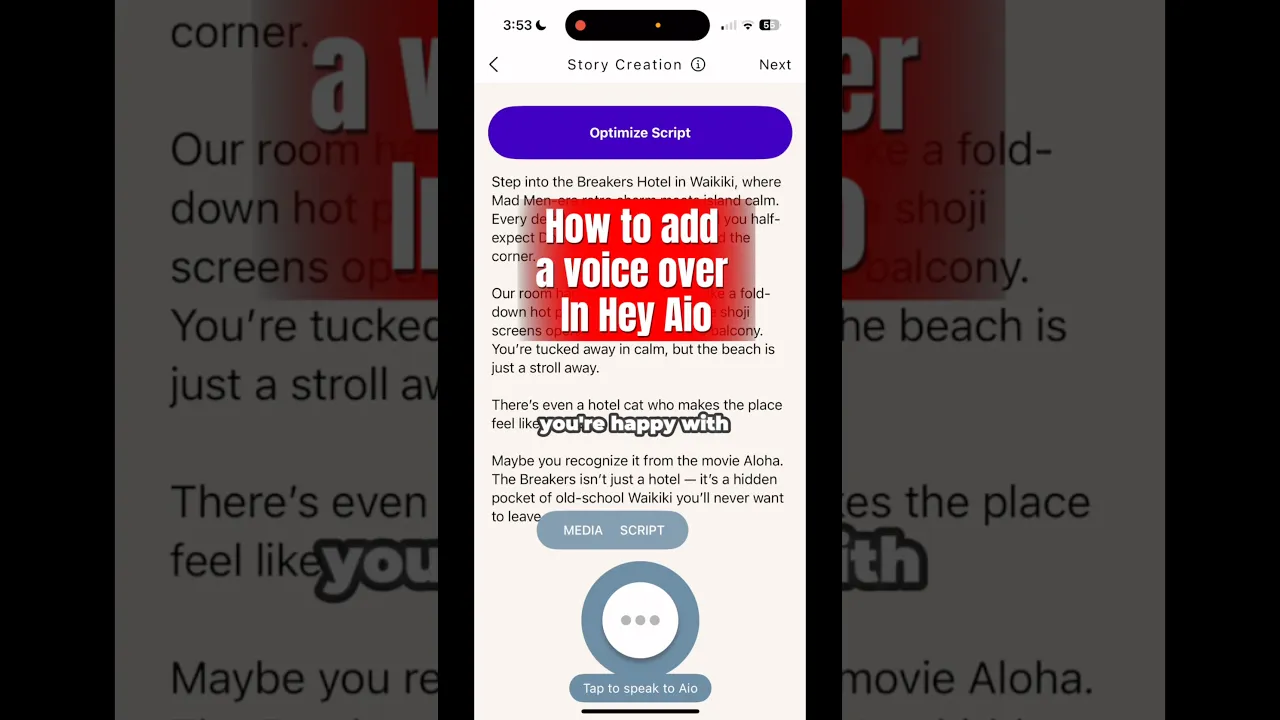
Bring Stories to Life with Voice Studio.
Business Story
Tell the World What You Do
Share your founder story and team energy in a voiceover video that builds trust and connection with your audience.
Quickstart Guides
Frequently asked questions
What types of video can I make with Hey Aio?
Hey Aio is a personal video editor you talk to, helping turn your ideas into impactful stories. With Hey Aio, you can create: Vertical short-form videos — perfect for direct sharing and social media Voiceover videos — narrative storytelling with your own voice or use an AI voice Music videos — turn your ideas into a song and a music video
What kind of footage should I use?
Aio creates voice-over videos, so it mutes any existing audio in your clips. You can use both images and videos directly from your phone, but videos usually produce more dynamic results.
How do I make a video with Aio?
Press the circular Aio button and describe the kind of video you want to make. You don't need to tell Aio everything at once— just a few starting details. It will guide you the rest of the way. For example:
What can I say to Aio?
You can ask Aio to change tone, style, or structure. Try:
Turning your ideas into stories.
Bring Stories to Life with Voice Studio.


Coming Soon! Turn your message into a music video
Hey Aio Resources
Tips, Tutorials, and Inspirations to Power Your Video Story
Quickstart Guides
Frequently Asked Questions (FAQs)
What types of video can I make with Hey Aio?
Hey Aio is a personal video editor you talk to, helping turn your ideas into impactful stories. With Hey Aio, you can create: Vertical short-form videos — perfect for direct sharing and social media Voiceover videos — narrative storytelling with your own voice or use an AI voice Music videos — turn your ideas into a song and a music video
What kind of footage should I use?
Aio creates voice-over videos, so it mutes any existing audio in your clips. You can use both images and videos directly from your phone, but videos usually produce more dynamic results.
How do I make a video with Aio?
Press the circular Aio button and describe the kind of video you want to make. You don't need to tell Aio everything at once— just a few starting details. It will guide you the rest of the way. For example:
What can I say to Aio?
You can ask Aio to change tone, style, or structure. Try:
Turning your ideas into stories.
#MadeWithAio Video Inspirations
Business Story
Tell the World What You Do
Share your founder story and team energy in a voiceover video that builds trust and connection with your audience.
Real Estate Videos
Turn Listings Into Stories
Film a walk-through on your phone—HeyAio takes care of the editing, so every property shines. From cozy corners to big reveals, your video helps people picture themselves right at home.
Behind the Scenes
Take People Behind the Curtain
Behind-the-scenes voiceover videos invite your audience into the heartbeat of your work. Show how you do what you do, and let people feel part of the journey—not just the outcome.
Share the Moment
Turn Trips into Stories Worth Sharing
Whether it’s your favorite café, a new office space, or a hidden local gem, Hey Aio makes it easy to share the vibe, the details, the feeling of being there.
Updates
Insights your audience actually watch.
A quick market update is a chance to show you know the neighborhood, the trends, and—most importantly—what they mean from your unique perspective.
See how people use Hey Aio
#MadeWithAio
Video Inspirations
Business Story
Tell the World What You Do
Share your founder story and team energy in a voiceover video that builds trust and connection with your audience.
Business Story
Tell the World What You Do
Share your founder story and team energy in a voiceover video that builds trust and connection with your audience.
Behind the Scenes
Take People Behind the Curtain
Behind-the-scenes voiceover videos invite your audience into the heartbeat of your work. Show how you do what you do, and let people feel part of the journey—not just the outcome.
Share the Moment
Turn Trips into Stories Worth Sharing
Whether it’s your favorite café, a new office space, or a hidden local gem, HeyAio makes it easy to share the vibe, the details, the feeling of being there.
Quickstart Guides
Frequently
Asked Questions
What types of video can I make with Hey Aio?
Hey Aio is a personal video editor you talk to, helping turn your ideas into impactful stories. With Hey Aio, you can create: Vertical short-form videos — perfect for direct sharing and social media Voiceover videos — narrative storytelling with your own voice or use an AI voice Music videos — turn your ideas into a song and a music video
What kind of footage should I use?
Aio creates voice-over videos, so it mutes any existing audio in your clips. You can use both images and videos directly from your phone, but videos usually produce more dynamic results.
How do I make a video with Aio?
Press the circular Aio button and describe the kind of video you want to make. You don't need to tell Aio everything at once— just a few starting details. It will guide you the rest of the way. For example:
What can I say to Aio?
You can ask Aio to change tone, style, or structure. Try:
How-to HeyAio
in 2 mins
How-to HeyAio
in 2 mins
3 Tips on Drafting
Voiceover Script
Turning your ideas into stories.
Bring Stories to Life with Voice Studio.
Business Story
Tell the World What You Do
Share your founder story and team energy in a voiceover video that builds trust and connection with your audience.
Quickstart Guides
Frequently asked questions
What types of video can I make with Hey Aio?
Hey Aio is a personal video editor you talk to, helping turn your ideas into impactful stories. With Hey Aio, you can create: Vertical short-form videos — perfect for direct sharing and social media Voiceover videos — narrative storytelling with your own voice or use an AI voice Music videos — turn your ideas into a song and a music video
What kind of footage should I use?
Aio creates voice-over videos, so it mutes any existing audio in your clips. You can use both images and videos directly from your phone, but videos usually produce more dynamic results.
How do I make a video with Aio?
Press the circular Aio button and describe the kind of video you want to make. You don't need to tell Aio everything at once— just a few starting details. It will guide you the rest of the way. For example:
What can I say to Aio?
You can ask Aio to change tone, style, or structure. Try: